Shopify launch.
Every detail
covered.
The definitive engineering and technical SEO launch framework for Shopify and Shopify Plus storefronts. 21 architectural standards covering Core Web Vitals, JSON-LD, Checkout Extensibility, and QA.
A launch is more than a publish button. Build the foundation for everything that follows.
Store architecture, Liquid quality, technical SEO, and launch validation. The definitive engineering and technical SEO launch framework for Shopify and Shopify Plus storefronts. 21 architectural standards covering Core Web Vitals, JSON-LD, Checkout Extensibility, and QA.
Read more +
The definitive engineering and technical SEO launch framework for Shopify and Shopify Plus storefronts. 21 architectural standards covering Core Web Vitals, JSON-LD, Checkout Extensibility, and QA.
From knowledge to implementation
Store architecture, Liquid quality, technical SEO, and launch validation.
Architect →Let’s talk about
your project
Book a free technical discovery call with our team.
Choose a time on Calendly ↗info@zestwebsolutions.com LET’S COLLABORATE
Technical discovery call
Share your goals and technical requirements. Discuss scope, priorities, and the right delivery model.
- Your project and business goals
- Technical requirements and timeline
- Scope, delivery, and next steps
A clear path from
knowledge to implementation
Store architecture
⊕Theme quality
⊕Launch readiness
⊕Business goals
⊕Technical requirements
⊕Priorities & scope
⊕Architecture review
⊕Implementation planning
⊕Code-level changes
⊕Performance budgets
⊕Structured documentation
⊕Peer review
⊕Functional verification
⊕Responsive checks
⊕Search validation
⊕Performance review
⊕Release documentation
⊕Ongoing monitoring
⊕Your launch.
A shared engineering standard.
Tools and checklists support the work. Senior engineers stay responsible for architecture, implementation, and validation.
Your team
Set business goals and priorities
Share context and platform constraints
Review milestones and decisions
Own the client relationship
Choose the next step
Zest engineering team
Investigate technical root causes
Define architecture and implementation
Validate performance and search integrity
Document work and handoffs
Support ongoing technical delivery
Zest Web SolutionsEngineering teamClear architecture. Measurable performance.
People who take responsibility for the result.
Explore the core topics
Store architecture
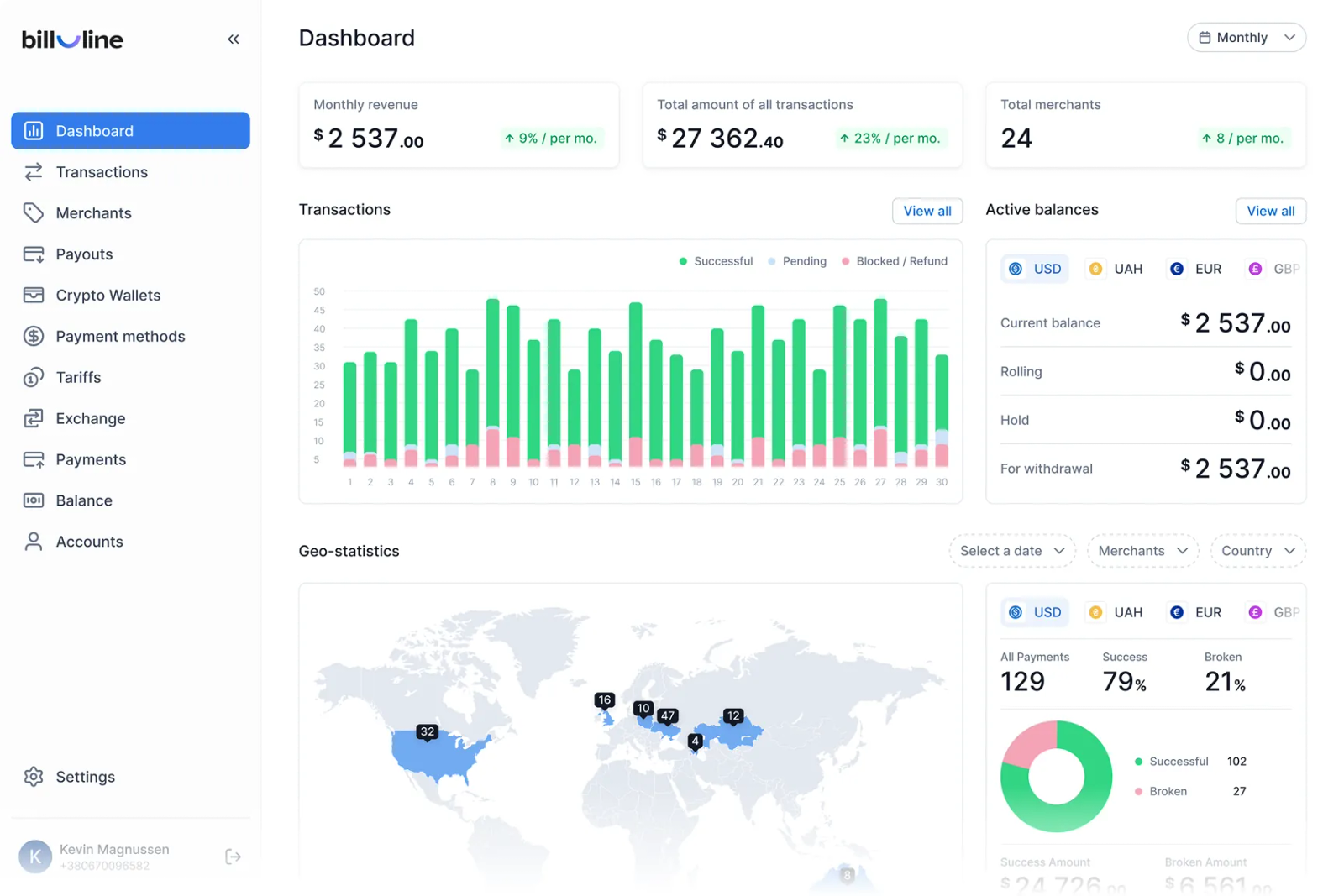
Store architecture, Liquid quality, technical SEO, and launch validation.
Explore this topicTheme quality
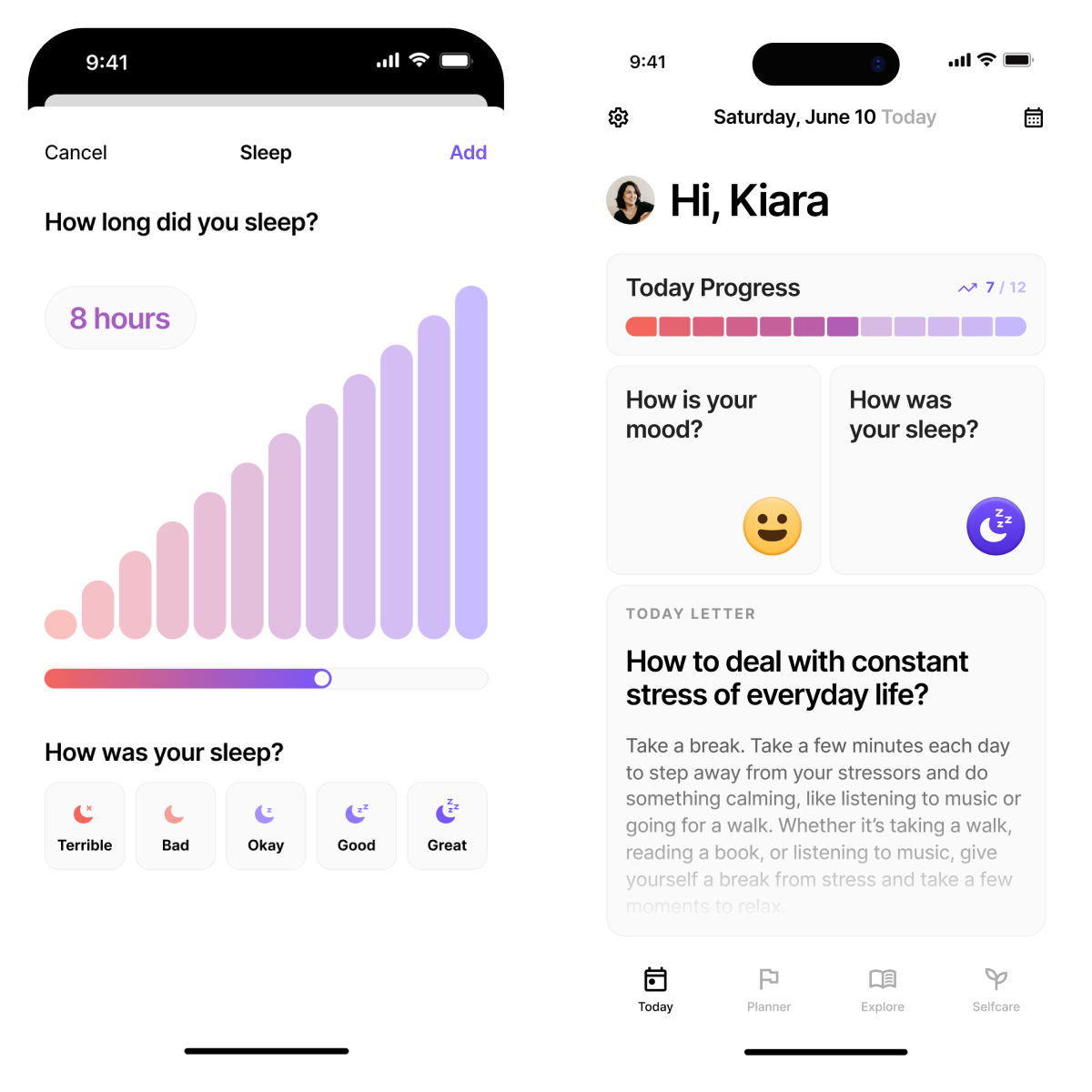
Practical implementation guidance, with clear standards and validation steps.
Explore this topicPerformance & search
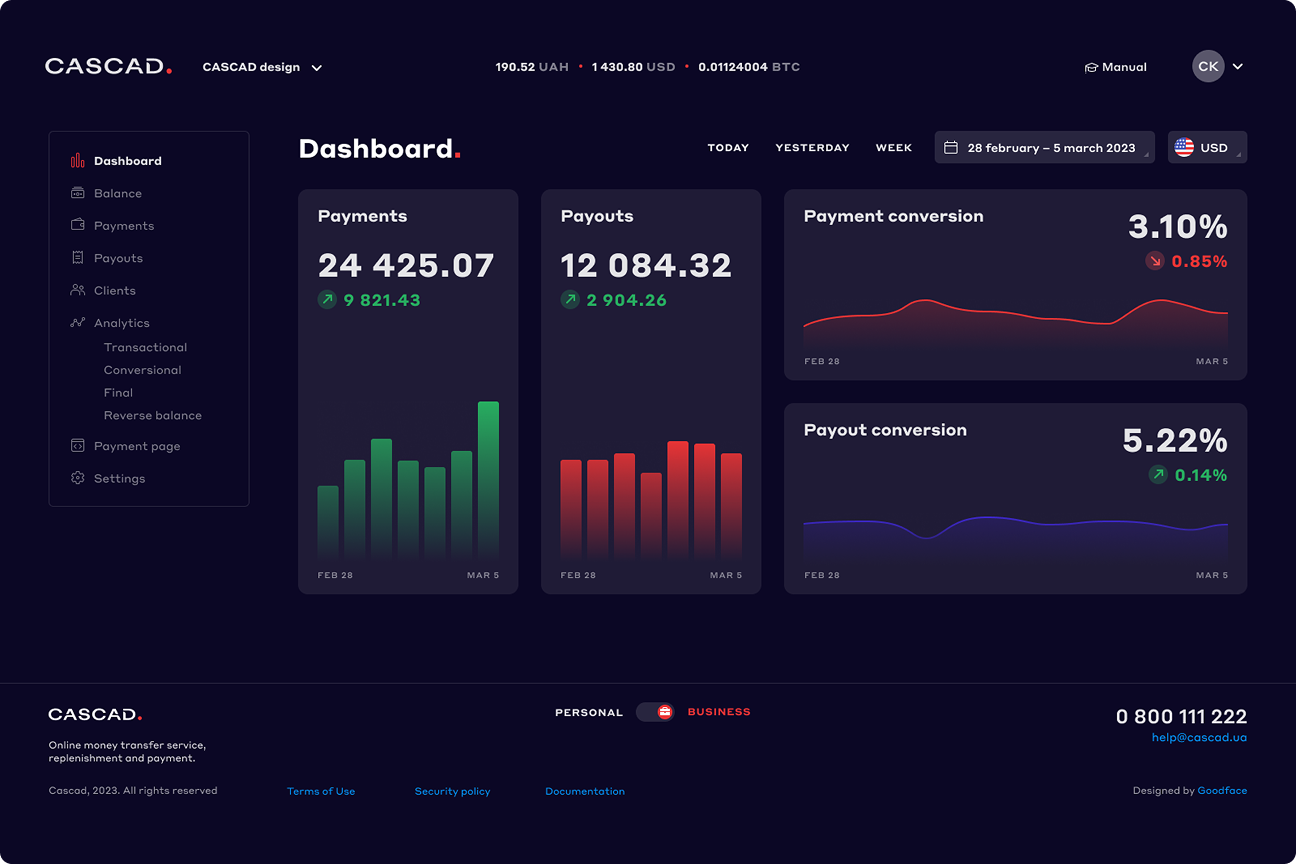
Connect technical decisions to performance, maintainability, and your business goals.
Explore this topicExplore the complete
framework.
Overview & key takeaways+
Module 01
Planning+
Why It Matters
Pre-flight architectural planning prevents capacity bottlenecks, API rate-limit throttles during sales events, and environment drift between staging and production stores.
Best Practices
- Maintain strict 3-tier environment isolation: Development Sandbox → Staging (
password protectedwithX-Robots-Tag: noindex) → Live Production. - Enforce GraphQL Admin API v2026-04 query optimization (cost bucket limit: 1000 points/sec).
- Lock platform selection early: Liquid 2.0 vs Hydrogen Headless Next.js on Oxygen.
Common Mistakes
Developing directly inside live production themes, ignoring GraphQL query point costs on ERP syncs, and leaving staging URLs indexed without password protection.
Professional Recommendations
Use Shopify CLI 3.x with automated GitHub branch deployments. Require peer code reviews on all PRs before merging to main.
Useful Tools: Shopify CLI 3.x, Postman GraphQL Client, Theme Inspector.
Success Criteria: 100% environment isolation; 0 direct live theme edits; GraphQL API call cost < 50 points per query.
Internal Specifications: Explore our Shopify Development Services and Agency Partner Program.
Module 02
Store Architecture+
Why It Matters
Logical URL taxonomy guarantees efficient Googlebot crawl budget allocation, prevents canonical dilution, and establishes clear topical relevance.
Best Practices
- Enforce max 3-click depth: Home (
/) → Collection (/collections/mens-jackets) → Product (/products/leather-jacket). - Maintain clean URL handles: lowercase, hyphenated, omitting dynamic session parameters.
- Utilize Shopify Smart Collections linked to product metafields instead of manual tag arrays.
Common Mistakes
Deep nesting (/collections/men/outerwear/jackets/winter/...), creating orphaned collections, and building multi-nested tag URLs (/collections/all/red+xl).
Professional Recommendations
Structure taxonomy around primary search intent. Keep collection hierarchies flat and link explicitly via main header navigation menus.
Useful Tools: Screaming Frog SEO Spider, Dynomapper, Google Search Console.
Success Criteria: 100% catalog accessible within 3 clicks; 0 orphan collection URLs; clean canonical handles.
Internal Specifications: Review our Technical SEO Hub and Technical SEO Services.
Module 03
Theme Quality+
Why It Matters
Clean Liquid code reduces server render time (TTFB), prevents DOM tree inflation, and eliminates technical debt for future developers.
Best Practices
- Use
{% render 'snippet' %}exclusively; deprecate legacy{% include %}for snippet variable isolation. - Maintain DOM node count < 1500 nodes and maximum DOM tree depth < 32 levels.
- Minify Liquid render blocks using whitespace control tags:
{%- -%}.
Clean Render Architecture Example
{%- comment -%} Efficient render tag with isolated scope {%- endcomment -%}
{% render 'product-card',
   card_product: product,
   show_vendor: section.settings.show_vendor
%}
Useful Tools: Shopify Theme Check CLI, Chrome DevTools Performance Profiler.
Success Criteria: 0 Theme Check warnings; DOM nodes < 1500; TTFB < 200ms on edge cache.
Internal Specifications: Built by lead architect Sneh at Zest Web Solutions.
Module 04
Performance+
Why It Matters
Resource prioritization and asset optimization directly determine initial rendering speeds and prevent browser main-thread bottlenecks.
Best Practices
- Preload critical CSS resources using inline
<style>blocks insideheadfor instant FCP. - Minify all custom CSS and JS bundles via automated build tools (Vite/Esbuild).
- Leverage Shopify CDN HTTP/3 asset serving and AVIF/WebP image compression via
image_urlfilter.
Common Mistakes
Loading unminified vendor CSS files, stacking blocking render scripts in head, and using heavy legacy JavaScript frameworks.
Professional Recommendations
Replace heavy jQuery dependencies with native ES6+ JavaScript or lightweight Alpine.js components.
Useful Tools: WebPageTest, Chrome DevTools Network Tab, Lighthouse CLI.
Success Criteria: FCP < 0.9s; PageSpeed Mobile score >= 95; 0 unminified asset warnings.
Audit Resource: Request a Free Technical Performance Audit.
Module 05
Core Web Vitals+
Why It Matters
Core Web Vitals directly impact organic rankings and conversion rates. Sub-800ms LCP ensures zero visitor bounce on mobile devices.
Best Practices
- Preload LCP hero images with
fetchpriority="high"and explicitsrcset. - Reserve explicit
widthandheightattributes on all image elements to guarantee CLS = 0.00. - Optimize INP (< 150ms) by breaking up long main-thread JS tasks into sub-50ms chunks.
LCP Preload Implementation
<link rel="preload" as="image" href="{{ section.settings.hero_image | image_url: width: 1200 }}"
      imagesrcset="{{ section.settings.hero_image | image_url: width: 600 }} 600w, {{ section.settings.hero_image | image_url: width: 1200 }} 1200w"
      imagesizes="100vw" fetchpriority="high">
Useful Tools: PageSpeed Insights API, Chrome CrUX Dashboard.
Success Criteria: LCP < 800ms; CLS = 0.00; INP < 150ms.
Case Study Proof: Review our Sarla Sarees Case Study.
Module 06
Technical SEO+
Why It Matters
Unchecked search loops and duplicate collection-product URLs waste Googlebot crawl budget and dilute link equity.
Best Practices
- Customize
robots.txt.liquidto disallow tag search loops, sorting parameters, and dynamic filter parameters. - Force canonical tags to output root product URLs (
/products/item) rather than collection paths (/collections/cat/products/item). - Maintain clean XML sitemaps (
/sitemap.xml) with dynamic sub-sitemaps.
robots.txt.liquid Rules Snippet
User-agent: *
Disallow: /*?*sort_by=
Disallow: /*?*q=
Disallow: /collections/*+*
Disallow: /collections/*?filter*
Useful Tools: Google Search Console URL Inspection, Screaming Frog SEO Spider.
Success Criteria: 0 indexation of tag loops; 100% self-referential canonical product URLs; 0 404 crawl errors.
Services Link: Explore Technical SEO Services.
Module 07
Collections+
Why It Matters
Collection pages drive the majority of non-branded e-commerce organic traffic and must balance crawlability with dynamic filtering.
Best Practices
- Implement SEO-friendly paginated URLs (
?page=2) with numerical links alongside infinite scroll usinghistory.pushState(). - Use native Shopify Search & Discovery App for faceted filtering without URL bloat.
- Include optimized collection description copy placed semantically above the product grid.
Useful Tools: Shopify Search & Discovery App, Screaming Frog.
Success Criteria: 100% paginated collection indexability; 0 duplicate collection tag indexation.
Case Study Reference: View real-world performance in Case Studies.
Module 08
Product Pages+
Why It Matters
Product Detail Pages (PDPs) are the ultimate conversion engine. Variant parameter handling and inventory state sync determine conversion rate.
Best Practices
- Update URL variant parameters (
?variant=12345678) dynamically while canonical points to base product handle. - Handle sold-out SKUs with HTTP 200, Schema
OutOfStock, and back-in-stock email capture forms. - Lazy-load below-the-fold media galleries and cross-sell recommendation sliders.
Useful Tools: Google Rich Results Test, Chrome DevTools.
Success Criteria: Dynamic variant URL parameter updating; 0 404s on out-of-stock items.
Services Link: Explore Shopify Theme Engineering.
Module 09
Structured Data+
Why It Matters
Structured data allows search engines and Google Merchant Center to parse product pricing, stock availability, ratings, and brand identity.
Best Practices
- Consolidate schemas into a single connected
@graphJSON-LD array insidehead. - Populate mandatory Merchant Center entities:
gtin,mpn,brand,priceValidUntil,shippingDetails. - Include dynamic
BreadcrumbListschema mapping parent-child collection paths.
Connected Product Schema @graph Snippet
{
  "@context": "https://schema.org",
  "@graph": [
    {
      "@type": "Product",
      "@id": "https://domain.com/products/item/#product",
      "name": "Leather Biker Jacket",
      "brand": { "@type": "Brand", "name": "BrandName" },
      "offers": {
        "@type": "Offer",
        "price": "299.00",
        "priceCurrency": "USD",
        "availability": "https://schema.org/InStock"
      }
    }
  ]
}
Useful Tools: Schema.org Validator, Google Rich Results Test.
Success Criteria: 0 schema errors/warnings in Google Merchant Center; 100% valid nested @graph.
Knowledge Hub: Read more in our SEO Knowledge Hub.
Module 10
AI Readiness+
Why It Matters
Generative Engine Optimization (GEO) ensures AI Search engines (ChatGPT, Perplexity, Claude, Gemini, SearchGPT) extract direct factual citations.
Best Practices
- Use structured HTML
<dt>/<dd>definition lists for technical product specifications. - Embed clean comparison tables (
<table>with<thead>and<tbody>) for platform and sizing charts. - Include concise, factual summary blocks at the head of technical resources.
Useful Tools: Perplexity AI, ChatGPT Search Simulator, Bing Webmaster Tools.
Success Criteria: Direct citation extraction in AI Overview & Perplexity; 100% parseable HTML tables.
Author Credentials: Read credentials on our Author Page.
Module 11
Accessibility+
Why It Matters
Accessibility compliance is required legally under US ADA and European Accessibility Act (EAA) 2025 mandates while improving overall UX.
Best Practices
- Ensure visible focus rings (
:focus-visible) on all interactive buttons, links, and form fields. - Enforce keyboard navigation for slideout drawers and modals (
Tab,Esc,Arrowkeys). - Maintain minimum color contrast ratio of 4.5:1 for body text and 3.0:1 for large headings.
Useful Tools: axe DevTools, WAVE Web Accessibility Tool, Contrast Checker.
Success Criteria: 0 critical axe DevTools errors; 100% keyboard navigation pass; WCAG 2.1 AA compliance.
Agency Standards: Learn about our Zest QA Standards.
Module 12
Analytics+
Why It Matters
Accurate analytics data is mandatory for conversion rate optimization, ad campaign attribution, and financial forecasting.
Best Practices
- Hydrate Google Tag Manager (GTM) scripts asynchronously on user interaction or LCP completion.
- Map standard GA4 e-commerce data layer events:
view_item,add_to_cart,begin_checkout,purchase. - Audit data layer payloads to eliminate duplicate purchase triggers on page refreshes.
Useful Tools: Google Tag Assistant, GA4 DebugView, Omnibug Chrome Extension.
Success Criteria: 100% purchase event accuracy; < 5% discrepancy between Shopify orders and GA4 transactions.
Services Link: Explore Analytics & SEO Services.
Module 13
Tracking+
Why It Matters
Modern browser privacy constraints (iTP) require sandboxed pixel execution and server-side Conversions API (CAPI) integration.
Best Practices
- Utilize Shopify Customer Events API / Web Pixels for sandboxed, high-performance pixel tracking.
- Implement Meta Conversions API (CAPI) server-side tracking to bypass client-side ad blockers.
- Isolate tracking pixels from the browser main thread to prevent LCP/INP degradation.
Useful Tools: Meta Pixel Helper, Omnibug, Shopify Customer Events Manager.
Success Criteria: 0 main-thread blocking tracking scripts; 100% CAPI event match quality.
Partner Program: Learn about our Agency Technical Bench.
Module 14
Security+
Why It Matters
Hardened store security protects customer payment data, prevents script injection, and complies with global privacy laws.
Best Practices
- Enforce strict Content Security Policies (CSP) restricting unauthorized script execution.
- Restrict staff admin access with two-factor authentication (2FA) and principle of least privilege.
- Audit App Proxies to ensure secure signature verification on backend API endpoints.
Useful Tools: CSP Evaluator, Mozilla Observatory, Shopify Security Center.
Success Criteria: 100% 2FA staff compliance; CSP header validation; 0 insecure App Proxy endpoints.
Company Specs: Read about Zest Security Protocols.
Module 15
Apps Governance+
Why It Matters
Unmonitored third-party Shopify apps inject bloat scripts that slow down page loads and leave orphaned code after removal.
Best Practices
- Limit total third-party app count to < 10 essential apps; conduct quarterly audits.
- Clean orphaned app code snippets from
theme.liquidimmediately upon app uninstallation. - Prefer Theme App Extensions over legacy script tag injections.
Useful Tools: Rewind App Auditor, Matrixify, Theme Inspector.
Success Criteria: 0 orphaned app snippets; total app count < 10; 100% Theme App Extension adoption.
Services Link: Explore Shopify Development Services.
Module 16
Checkout Extensibility+
Why It Matters
Shopify’s mandatory deprecation of legacy checkout.liquid requires upgrading to Checkout Extensibility UI Extensions and Shopify Functions.
Best Practices
- Build custom Checkout UI Extensions for upsells, trust badges, and custom fields.
- Utilize Shopify Functions (Rust/Wasm) for custom discount, shipping, and payment routing.
- Enable Express Checkout buttons (Shop Pay, Apple Pay, Google Pay) at the top of cart drawers and checkout steps.
Useful Tools: Shopify Checkout Editor, Shopify CLI Functions SDK.
Success Criteria: 100% Checkout Extensibility adoption; Express checkout buttons enabled; checkout load time < 1.0s.
Shopify Bench: Review our Shopify Plus Capabilities.
Module 17
International SEO+
Why It Matters
Cross-border e-commerce requires localized pricing, currencies, and languages without triggering duplicate content penalties.
Best Practices
- Leverage Shopify Markets with clean subfolder URL architecture (
/en-gb/,/fr-ca/). - Implement dynamic, self-referential and cross-market
hreflanglinks includingx-default. - Enforce native Geolocation API selector prompts without forcing aggressive IP redirects that block crawlers.
Useful Tools: Hreflang Checker, Screaming Frog International Audit, Shopify Markets Admin.
Success Criteria: 100% valid hreflang validation; 0 IP crawler block errors; multi-currency accuracy.
Agency Program: See our Global Agency Partner Bench.
Module 18
Testing Protocols+
Why It Matters
Rigorous automated and manual testing protocols prevent functional breakdowns across device viewports and payment gateways prior to launch.
Best Practices
- Execute cross-browser testing across Chrome, Safari, Firefox, and Edge on real physical devices.
- Test payment gateway webhooks, automated transaction emails, and order creation in sandbox mode.
- Verify 301 URL redirect mapping with 100% pass rate before DNS cutover.
Useful Tools: BrowserStack, Cypress E2E Testing, Postman.
Success Criteria: 100% sandbox transaction test pass rate; 0 cross-browser layout glitches.
Case Studies: Explore Verified Case Studies.
Module 19
Quality Assurance+
Why It Matters
A structured 4-tier pre-flight QA process guarantees zero-bug delivery and protects agency reputation during client handoffs.
Best Practices
- Require GitHub/GitLab PR code reviews by senior lead developers before staging deployments.
- Execute multi-device QA checks on physical iOS, Android, macOS, and Windows hardware.
- Audit WCAG 2.1 AA accessibility compliance and sub-800ms speed metrics prior to signoff.
Useful Tools: axe DevTools, GitHub PR Review Tool, Lighthouse.
Success Criteria: 0 unresolved PR review comments; 100% QA signoff checklist completion.
Agency Partner SOPs: Read about White-Label Agency QA SOPs.
Module 20
Post Launch Monitoring+
Why It Matters
Continuous real-user performance monitoring prevents silent site outages, script regressions, and unhandled 404 crawl errors post-launch.
Best Practices
- Set up automated sub-5-minute uptime ping monitoring with instant alert escalations.
- Monitor Google Search Console 404 crawl error reports daily for 30 days post-launch.
- Track Real User Monitoring (RUM) Core Web Vitals continuously via CrUX and PageSpeed API.
Useful Tools: UptimeRobot, PageSpeed Insights API Automation, Google Search Console Alerts.
Success Criteria: 99.99% uptime; 0 unmanaged 404 errors post-launch; sub-4-hour emergency SLA response.
Contact Us: Reach out via Contact Support.
Module 21
Maintenance & SLAs+
Why It Matters
Proactive maintenance retainers prevent technical debt accumulation, security vulnerabilities, and client churn over time.
Best Practices
- Provide 60 days of complimentary post-launch bug coverage on all custom theme builds.
- Establish 24/7 paid emergency SLA retainers for sub-4-hour hotfix turnarounds.
- Conduct quarterly app audits, theme dependency updates, and speed optimization tuning.
Useful Tools: Jira Service Management, Slack Connect, Calendly.
Success Criteria: 100% SLA turnaround compliance; 60-day bug-free cover guarantee.
Get Consultation: Schedule a call via Calendly Technical Scoping Sync.
Work With Our Engineering Bench
Need Senior Engineering Execution For Your Next Shopify Store Launch?
Zest Web Solutions provides white-label Shopify developer pods, custom Liquid refactoring, sub-800ms speed optimization, and technical SEO for digital agencies and growing D2C brands. Protected by a 100% legal NDA.
Apply for Agency Partnership → Request Free Website & Speed Audit →
No matching topics. Try a different search.
Knowledge that makes
a practical difference.
Code-level thinking
Understand the technical cause behind the symptom, then make a targeted change.
Performance by design
Apply Core Web Vitals, clean architecture, and sensible performance budgets.
Search-ready foundations
Treat crawlability, structured data, and indexing as part of the implementation.
Clear validation
Use repeatable checks to verify that the work meets the agreed standard.
Complete ownership
Maintainable code, useful documentation, and transparent delivery.
A practical next step
Turn findings into a prioritized roadmap, checklist, or engineering brief.
Our working standardSince 2012Your agency owns the relationship.
We take ownership of the technical delivery.
Important numbers
behind our engineering
years of engineering
since 2012
Shopify stores worked on
Delivered.
Measured. ↗
13 verified reviews
technical
specialists
Let’s turn knowledge
into your next advantage.
Let’s talk about
what you need.
Speak directly with a senior technical lead. NDA available. No sales pressure.
Speak directly with a senior technical lead. To reach the team now, email us or book a call.
FAQ
Does Zest work completely white-label?
Yes. We operate as a silent technical delivery partner under legally binding, bilateral non-disclosure agreements (NDAs). We use unbranded Git commits (or your agency’s domain handles), integrate directly into your internal communication tools (Slack, Teams), and never contact your end clients. Your agency maintains 100% ownership of the client relationship.
Can Zest integrate directly into our agency’s project management tools?
Yes. We natively integrate into Jira, Monday.com, ClickUp, Asana, Basecamp, Notion, Trello, Azure DevOps, Slack, Microsoft Teams, and Google Chat. We adapt completely to your agency’s existing sprint schedules, ticket formats, and delivery ceremonies.
What gross margins can an agency expect by partnering with Zest?
Most agency partners protect 50% to 70% gross margins on their technical development and SEO offerings. By leveraging our Ahmedabad engineering center while billing domestic rates in the UK, Australia, UAE, or US, agencies significantly increase profitability without incurring permanent payroll overhead.
How quickly can an agency onboard a dedicated developer pod?
Standard dedicated pods can be onboarded, briefed, and active in your agency’s workspace within 48 to 72 hours of NDA and agreement execution.
Can Zest work directly with our in-house UI/UX design team?
Absolutely. Our senior front-end engineers work directly from Figma, Adobe XD, or Sketch design files, reviewing component specs, autolayout variables, and breakpoint logic before writing code to ensure pixel-perfect fidelity.
Do you build Shopify themes using apps or custom Liquid code?
We prioritize native Liquid, CSS, and lightweight JavaScript over third-party apps wherever possible. Building features natively into the theme code eliminates recurring monthly app fees, prevents stylesheet conflicts, and ensures sub-second page load times.